Plans can change, even shortly before a trip. In that situation, you usually need quick answers to three questions: can I refund my ticket, how do I do it, and when will the money return to my card? On ioka.uz, you can request a train ticket refund yourself through your account. The system will show the refund calculation before you confirm it. Once the refund is submitted, the money will be processed through the payment system and the bank. Here is how the process works and what to check before confirming a refund.
In brief: how to refund a train ticket
You can request a train ticket refund in your ioka travel account, in the “My bookings” section.
The steps are:
- sign in to your account on ioka.uz or in the ioka travel mobile app;
- go to “My bookings”;
- select the booking you need;
- select “Refund”;
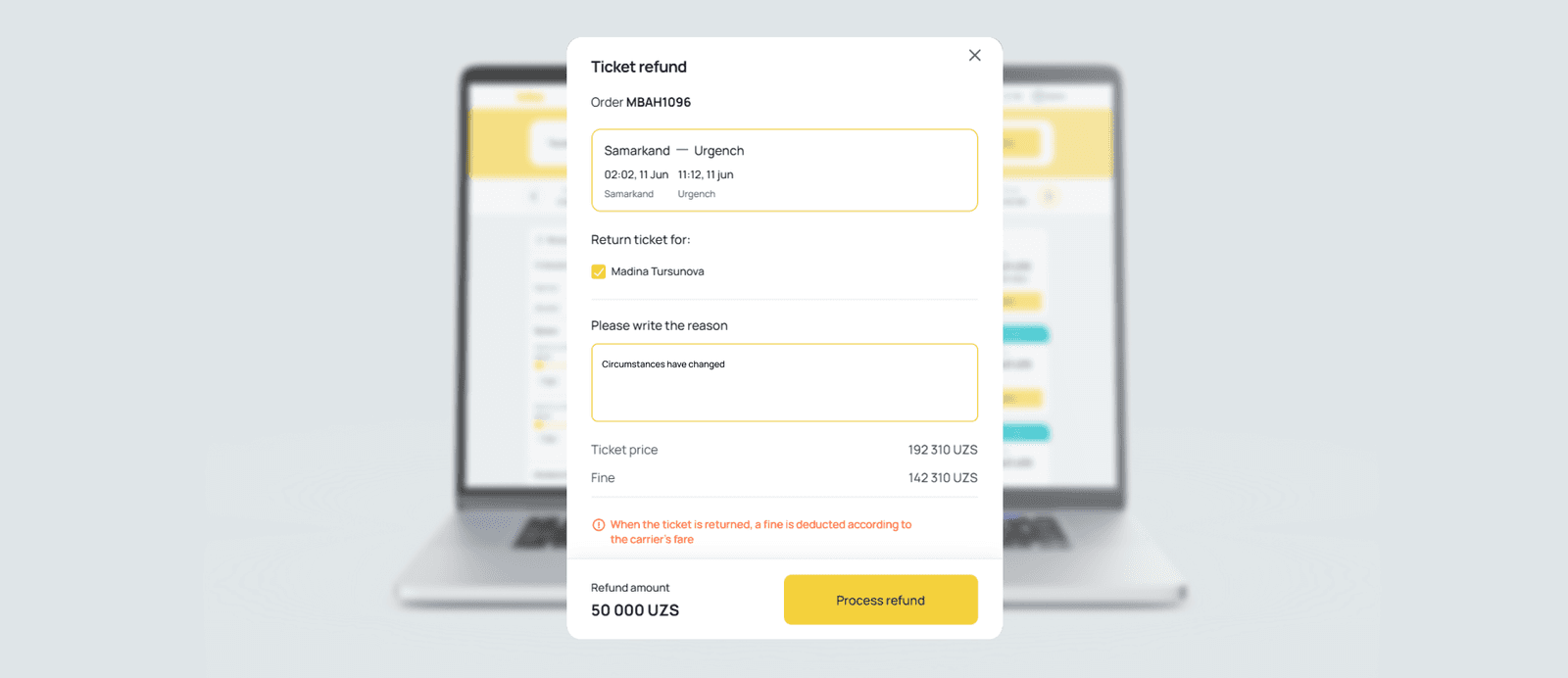
- check the amount available for refund;
- if the conditions are clear and you agree with them, confirm the refund;
- after confirmation, the money will be returned to the card used to pay for the booking.
Before confirming, carefully check the refund calculation. Once you confirm the refund, the operation is sent for processing and can no longer be cancelled as a standard action in the booking.
Where to request a refund
If you bought your ticket through ioka travel, the refund must also be requested through ioka travel — in your account on the website or in the mobile app.
In most cases, you do not need to go separately to a railway station ticket office for an online refund. Open your booking, review the preliminary calculation and confirm the refund if the conditions are clear and acceptable.
There is one important exception. If the electronic ticket was bought at a railway ticket office or on the official Uzbekistan Railways / O‘zbekiston Temir Yo‘llari website, it cannot be refunded through the ioka travel website or app. In that case, the refund must be processed at a railway ticket office.
Online refunds through the ioka travel website or app are available no later than 1 hour before the train departs from its starting station.
If you are already at the station and need to resolve the situation immediately, contact ioka travel support first. The team will check your booking, explain the available steps and guide you on who to contact at the station.
How the refund amount is calculated
The final refund amount is calculated according to the carrier’s rules and depends on the specific ticket. ioka travel does not set the deduction amounts. It shows the calculation before you confirm the refund, so you can check the amount before completing the operation.
Under the carrier’s rules, the final ticket price may consist of the ticket fare and the reserved-seat component. In simple terms, the reserved-seat component is the part of the price related to your seat on the train and the conditions of carriage. Depending on when you request the refund, this part may be refunded in full, refunded in part or not refunded.
In general, the refund logic works as follows:
— If you refund the ticket more than 24 hours before the train departs, the ticket fare is refunded, minus the UZS 40,000 intermediary fee and the UZS 15,000 refund operation fee;
— If you refund the ticket less than 24 hours but more than 6 hours before the train departs, the ticket fare and 50% of the reserved-seat component are refunded. The remaining 50% of the reserved-seat component, the UZS 40,000 intermediary fee and the UZS 15,000 refund operation fee are deducted;
— If you refund the ticket less than 6 hours before departure, but no later than 1 hour after the train departs, the ticket fare is refunded. The reserved-seat component, the UZS 40,000 intermediary fee and the UZS 15,000 refund operation fee are not refunded.
If the amount is not clear, do not confirm the refund immediately. Contact ioka travel support first to check the details of your booking.
Why the money may not arrive immediately
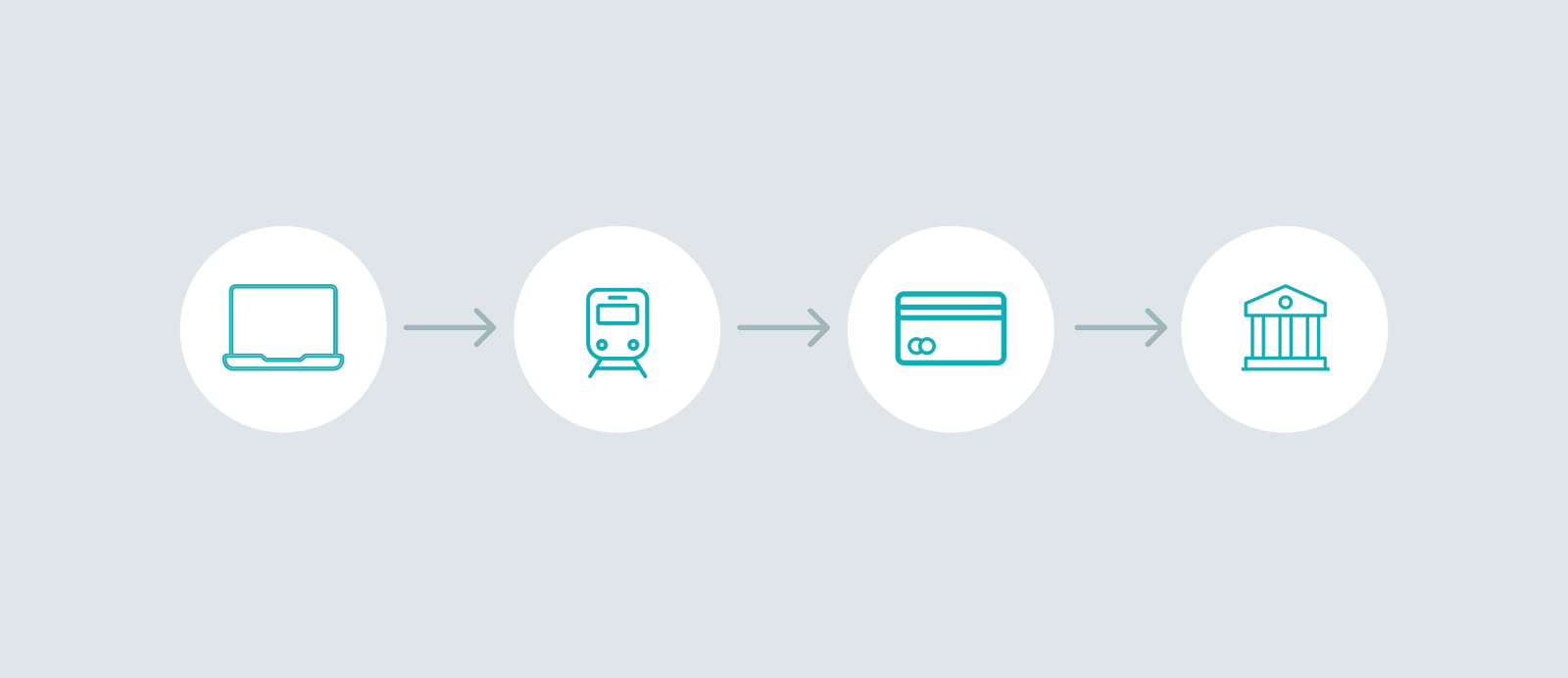
After you confirm a refund, it is recorded in the booking and financial processing begins. The payment system and the bank process the operation and return the money to the same card used for payment.
This means that a refund may already be submitted, while the money has not yet appeared on your card. In most cases, this does not mean there is a problem. The operation is usually still being processed by the payment system or the bank.
How long does it take for the money to arrive
The timing depends on the card type and the bank that issued it.
For ioka travel users, the usual guidelines are:
— local HUMO and Uzcard cards — up to 3 days;
— international Visa and Mastercard cards — up to 10 days.
These are not guaranteed timelines for every case. They are general guidelines for when the money may be credited after a refund has been processed. Weekends, public holidays, bank rules and payment system processing may affect the actual timing.
Can I change a train ticket?
Train ticket changes are not available. If you need to change the travel date, route or other trip details, you need to refund the current ticket and book a new one.
Before buying a new ticket, first check the refund calculation for your existing booking and make sure the conditions are clear. The new ticket is booked separately for the required date, route and passenger.
When to contact ioka travel
In most cases, you can request a refund yourself through your account.
Contact ioka travel support if:
- you cannot see the booking you need;
- you do not understand the refund calculation;
- you accidentally closed the page;
- you are not sure whether the refund was confirmed;
- the expected crediting period has passed, but the money has not arrived on your card.
When contacting support, provide your booking number. This will help the team check the operation status faster and explain the next step.