
Flights — all in one placeFlights — all in one place

All tickets in
one app!
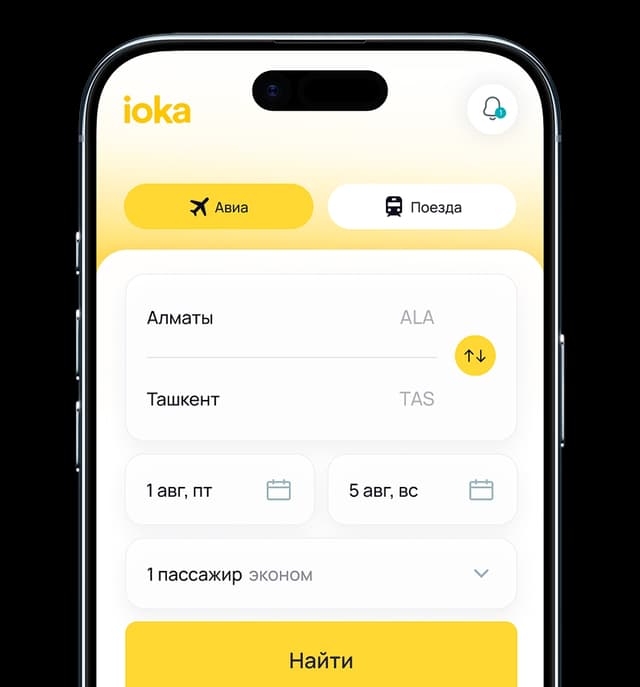
Buy air and rail tickets in the ioka Travel app




Blog
All articles


Why us

The future No. 1 platform for buying air and train tickets in Uzbekistan
Full ticket purchase cycle
Search, booking, payment and trip management - all in one service.
Support
We help with purchases, exchanges and refunds via Telegram, WhatsApp and call center.
Convenient payment
We support local and international payment systems.

Questions & answers
We have collected answers to the most important questions. If you cannot find what you need, contact support.